![logo-type_black 2.svg]](https://help.collaboard.app/hubfs/logo-type_black%202.svg)
In Collaboard you can create a project (whiteboard) and invite others to collaborate using a template.
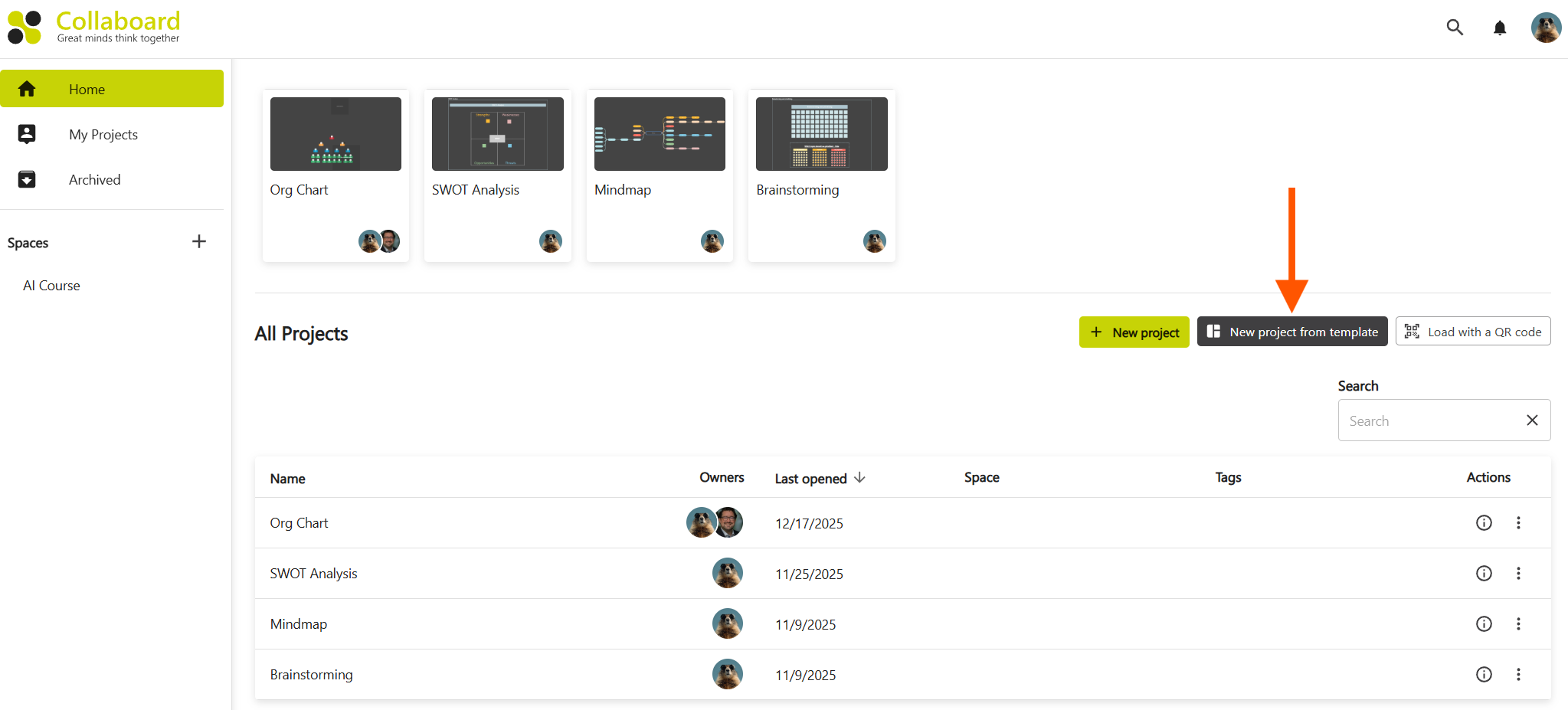
To create a new project go to the dashboard and click on the button New Project from template
Choose your template
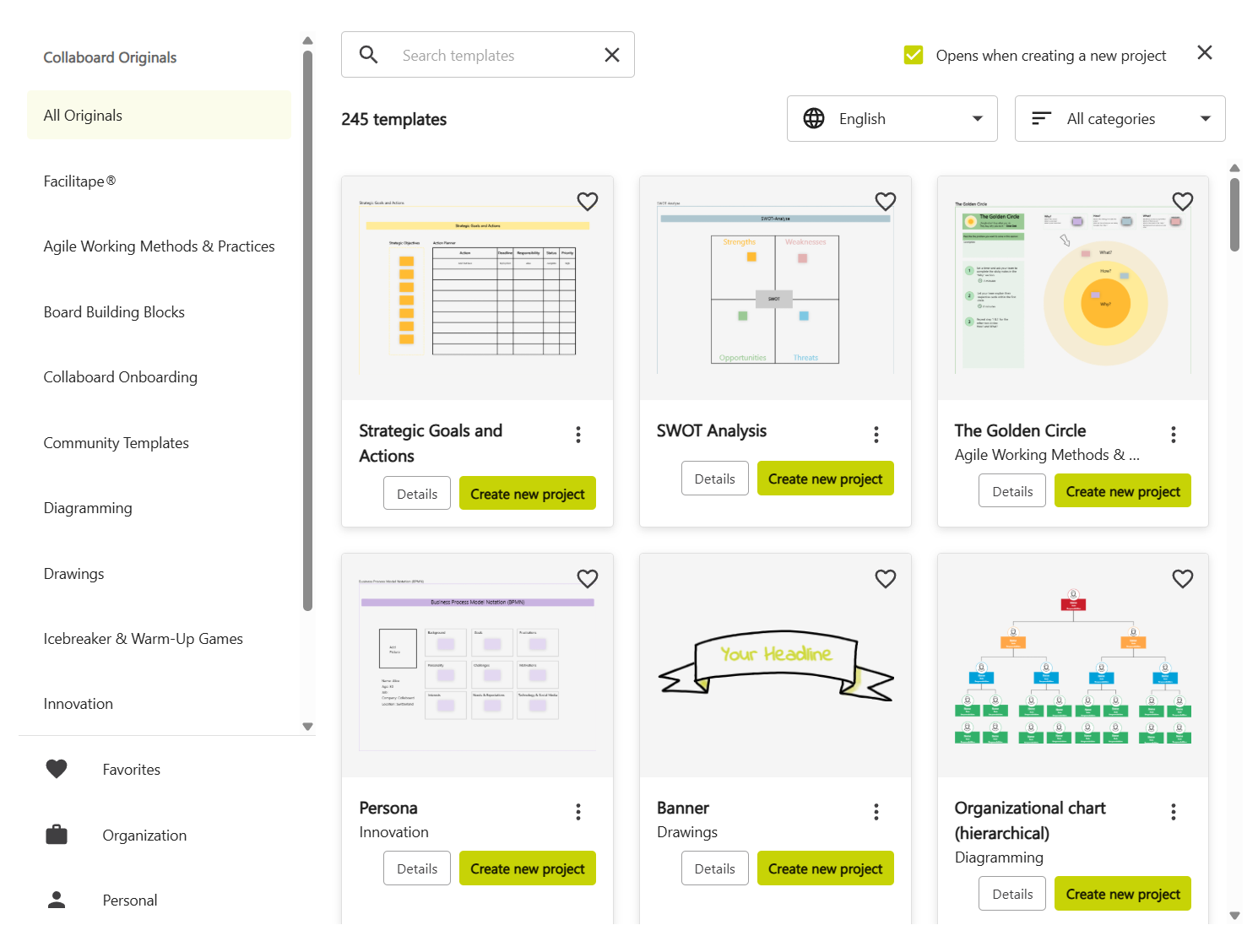
Choose the template you want to use and click on "Create new project".
You can choose from the "Collaboard Originals" the official template library from Collaboard. If you have personal templates or templates from your organizations, you can create a new project using one of these.
Create a new project from a template
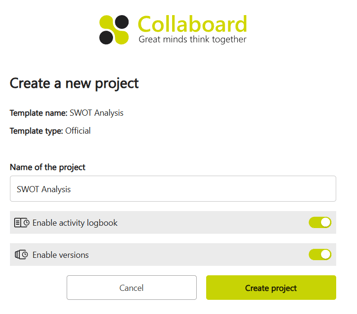
Here you can see the template name and the type of the template (official, organization, personal). You can adjust the name of the project if you want.
Based on your subscription and preferences you can enable/disable the options Activity Logbook and Versions.
To create the new project click on Create project.