![logo-type_black 2.svg]](https://help.collaboard.app/hubfs/logo-type_black%202.svg)
Availability
Available to Advanced and Enterprise customers only and accessible to owners and managers.
With Feature Flags, you can centrally control security-related functions in Collaboard and adapt them to your organization’s requirements. You decide which features are enabled or disabled. These settings then apply to all members of your subscription, including connected free users within your tenant.
What are Feature Flags?
Feature Flags are switches that allow you to enable or disable specific features on the main page or directly on the board.
They help you implement security policies, access controls, and organizational requirements in a centralized way.
How Feature Flags work
-
Open Settings.
-
Select Feature Flags.
-
Enable or disable the desired options using the checkboxes.
-
Save the changes.
The settings are applied immediately to all users within the tenant.
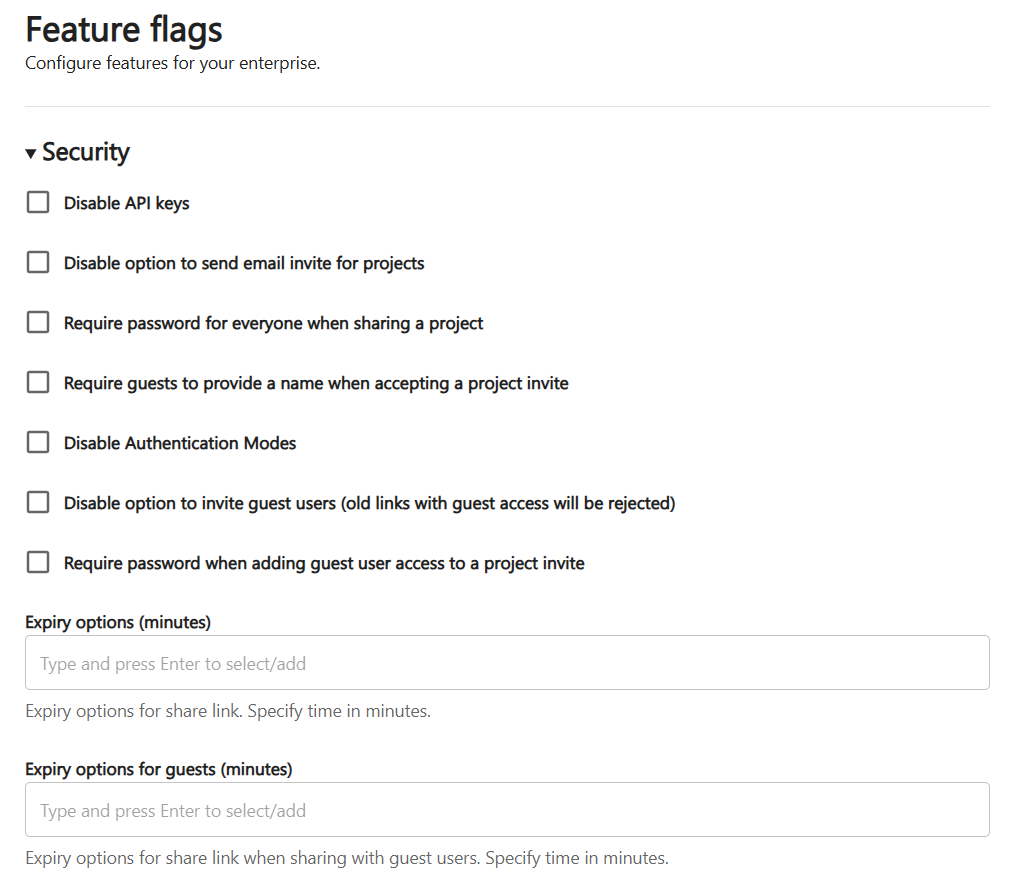
Available security Feature Flags
In the Security section, several options are available, for example:
-
Disable API keys
-
Disable sharing via email invitations
-
Require a password when sharing a project (applies to registered users and guests)
-
Require guests to enter a name when accepting an invitation
-
Disable authentication selection
-
Disable guest invitations (existing invitations will become invalid)
-
Enforce a password for guests when accessing via project invitations
(If the invitation is limited to registered users only, no password is required.)
These options help you control access and collaboration securely.
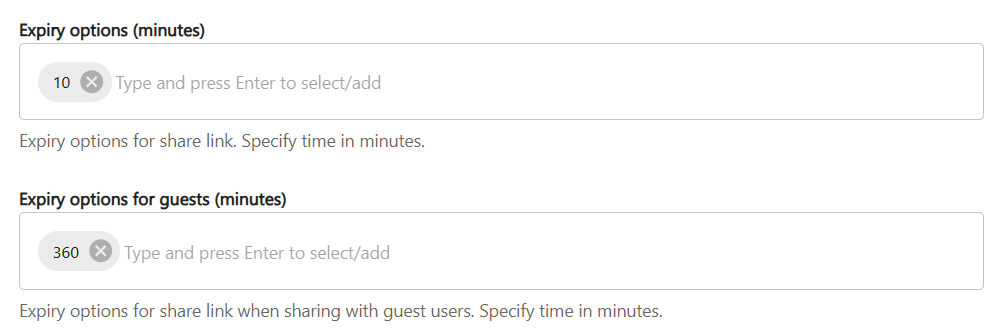
Define expiration dates for sharing links
You can define expiration dates for sharing links in accordance with your company’s security policies.
Two different values can be configured:
-
an expiration value for registered users
-
an expiration value for guests
Enter the desired time in minutes. The user interface will automatically convert this value into days, hours, or minutes.
For example, you can configure that:
-
internal users keep access for a longer period
-
guest access expires earlier
This ensures that shared access remains controlled and time-limited.